
Flying Car Simulator
Introduction to Flying Car Simulator
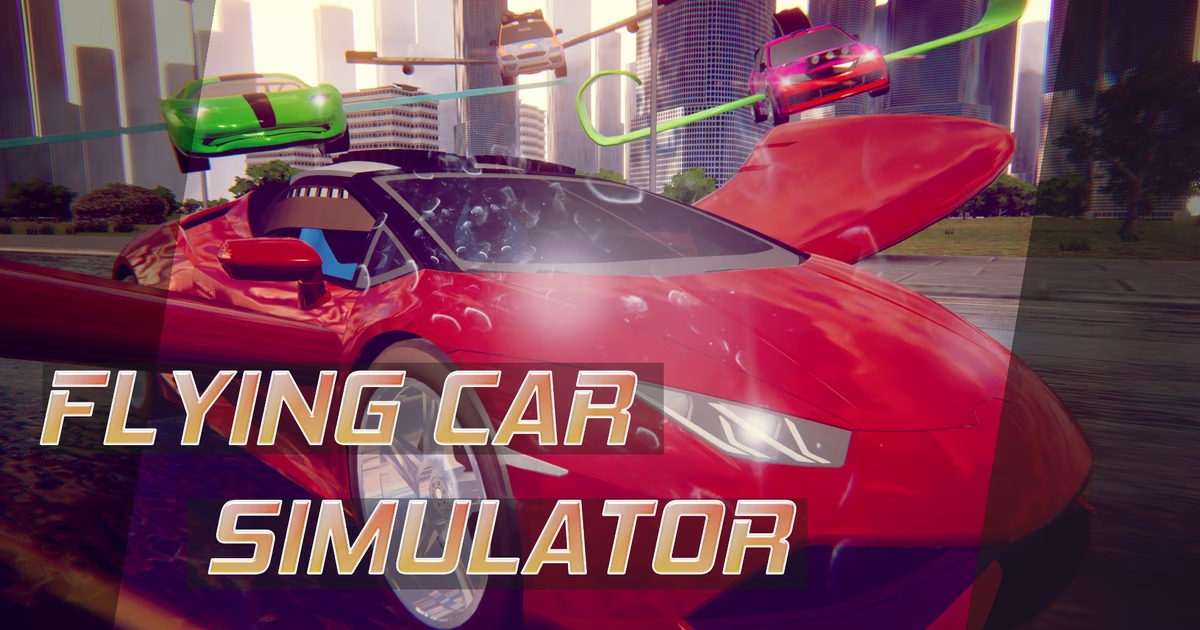
Flying Car Simulator lets you drive through city streets and take to the skies like an airplane in an exciting 3D driving experience.
Developed by Blue Axis and originally released in June 2019, the Flying Car Simulator Game web browser edition offers a seamless blend of ground transport and aerial navigation. Rather than staying confined to the pavement, players in Flying Car Simulator can engage flight mode at will to soar high into the sky above the urban landscape, utilizing nitro boosts and responsive controls for a thrilling dual-mode journey.
How to Play Flying Car Simulator
Flying Car Simulator combines traditional driving mechanics with aerial navigation, allowing you to cruise through streets or take off directly into the open skies above a 3D city. In the Flying Car Simulator Game, the primary objective is to freely explore the urban landscape from both the ground and the air, mastering the transition between road driving and airplane-style flight in Flying Car Simulator.
Controls Guide
Operating your hybrid vehicle in Flying Car Simulator is straightforward, utilizing standard keyboard inputs to handle both driving and flight:
- W, A, S, D: Steer, accelerate, reverse, and direct the vehicle on land and in the sky.
- F: Toggle between flight mode and landing mode.
- Shift: Activate nitro for an immediate burst of extra speed.
- Spacebar: Apply the brake to slow down or bring the car to a complete stop.
Flight and Driving Mechanics
In Flying Car Simulator, gameplay revolves around switching between standard automobile travel and high-altitude flight:
- Street Driving: Begin on city streets in Flying Car Simulator using W, A, S, D to control your car. Use the Spacebar whenever you need to brake for sharp turns or sudden stops.
- Taking to the Skies: In Flying Car Simulator, press F to fly or land. Once airborne, your car operates like an airplane, allowing you to fly high in the sky above the city.
- Using Nitro: Whenever you need an extra surge of acceleration in Flying Car Simulator, press Shift to use nitro. Nitro is particularly useful for achieving high speeds quickly, whether racing on roads or climbing into the sky.
- Landing: When you are ready to return to the streets, press F to exit flight mode and touch down, using your brakes to steady the vehicle upon landing.
Tips & Strategies for Flying Car Simulator
To help you get the most out of your hybrid vehicle and effortlessly navigate both the asphalt and the skyline in Flying Car Simulator, keep these essential strategies in mind:
- Time Your Takeoffs Carefully: Before pressing F to engage flight mode, ensure you have an unobstructed path ahead. Activating flight while facing buildings or tight structures can lead to immediate collisions, so build momentum on open roads first.
- Use Nitro for High-Speed Launches: Press and hold Shift to activate your nitro boost along straightaways. Gaining substantial ground speed right before toggling flight mode helps you ascend rapidly into the open air.
- Scout the Urban Layout from Above: Navigating city streets on the ground in the Flying Car Simulator Game can be tricky. Fly high in the sky above the city to survey paths before returning to the roads in Flying Car Simulator.
- Rely on the Spacebar for Controlled Ground Handling: Ground driving requires sharp maneuvering. Tap the Spacebar to brake before entering sharp turns to maintain total control over your car's direction without spinning out.
- Line Up Your Landings Early: Returning to the road requires precision. Spot a wide, straight street below, align your vehicle with the pavement, and press F to transition smoothly back into standard driving mode.
- Maintain Smooth Steering with WASD: Avoid frantic directional inputs. Use steady, measured taps on the WASD keys to ensure stable steering whether cruising on the city streets or gliding through the air.
FAQ about Flying Car Simulator
What is Flying Car Simulator?
Flying Car Simulator is a game in which you can not only drive your car but also fly it like an airplane, letting you drive on roads or fly high in the sky above the city.
What are the controls for Flying Car Simulator?
The game is played using standard keyboard inputs:
- WASD: Steer, accelerate, and navigate the vehicle
- F: Toggle between flying and landing
- Shift: Engage nitro boost
- Spacebar: Apply the brakes
How do you transition from driving to flying?
In Flying Car Simulator, you can switch between driving on the pavement and soaring through the sky by pressing the F key on your keyboard. Using this key allows you to take off into flight mode or land safely back on the ground.
Who developed Flying Car Simulator and when was it released?
Flying Car Simulator was developed by Blue Axis. It originally launched in June 2019 and received an update on October 23, 2023.
What platform is required to play Flying Car Simulator?
Flying Car Simulator is available to play directly on a web browser, making Flying Car Simulator accessible without separate hardware installations.
Where to play Flying Car Simulator?
You can play Flying Car Simulator online at fire-flush.com. Open the site in your browser and start playing right away.